Depoly App On Kubernetes
S
*Shreyash Bhise | Aspiring Mern Stack Developer and DevOps enthusiast,
Step 1 : Firstly you have to install kubectl
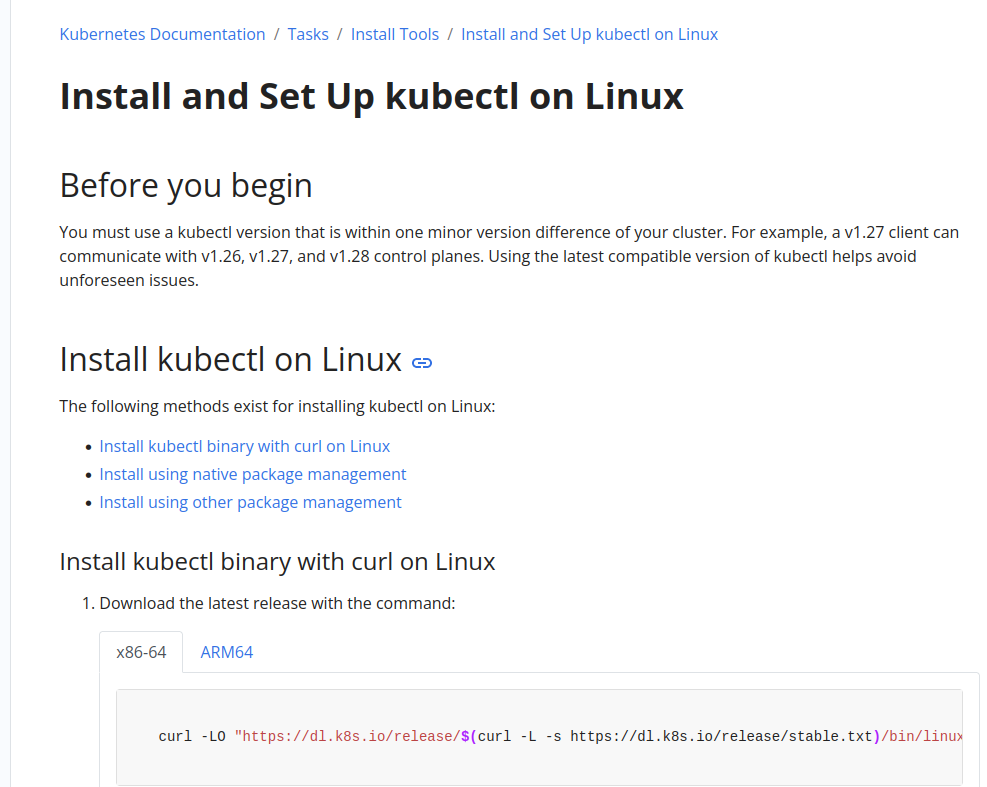
Link: https://kubernetes.io/docs/tasks/tools/install-kubectl-linux/
You can verify using below command
kubectl version --client --output=yaml
Step 2 : You have to install minikube
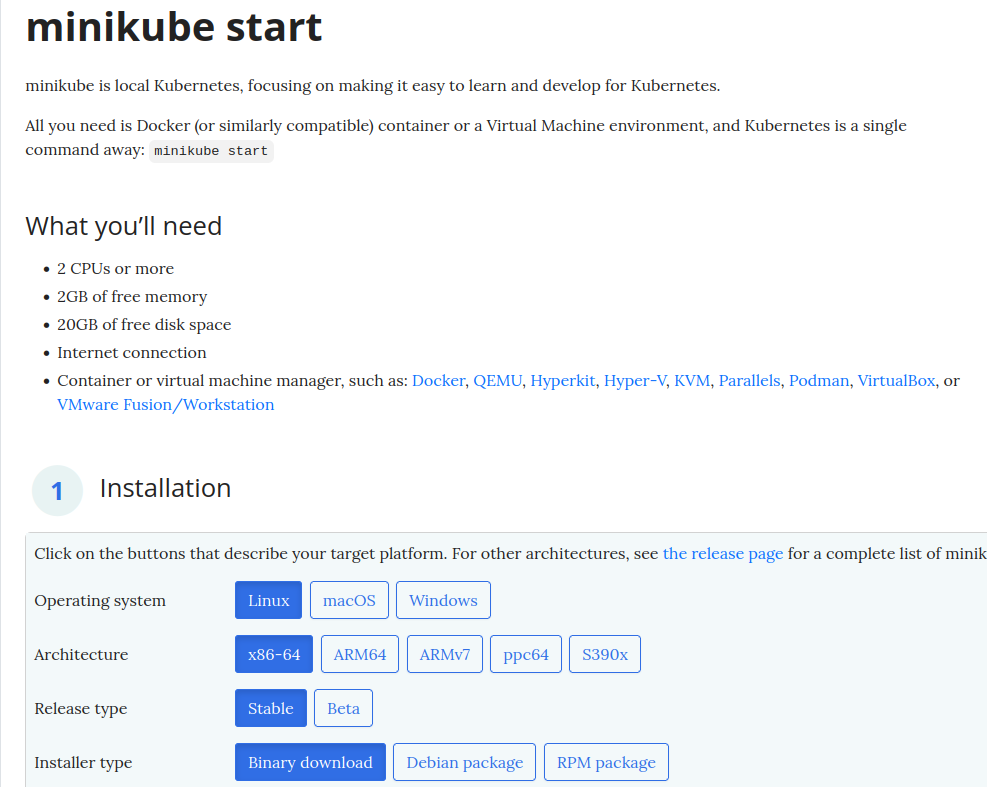
Step 3 : Start your minikube cluster
minikube start
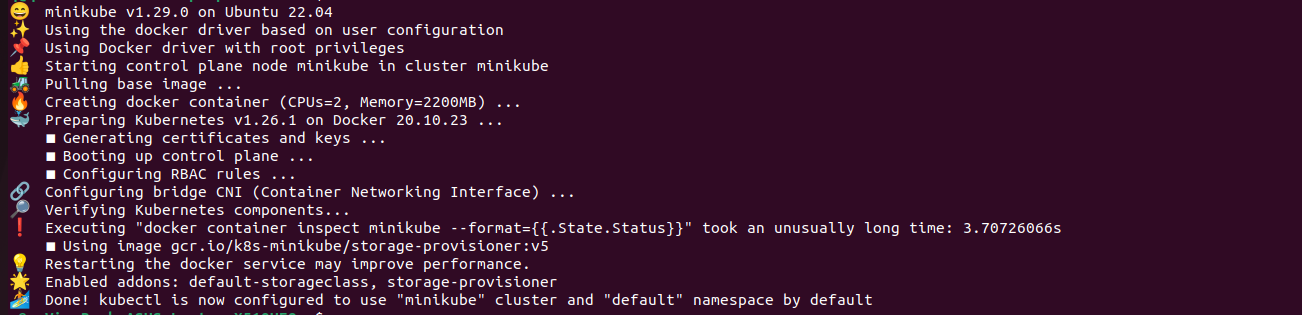
kubectl get nodes
Step 4 : Then you need to create pod.yaml file
apiVersion: v1
kind: Pod
metadata:
  name: nginx
spec:
  containers:
  - name: nginx
    image: nginx:1.14.2
    ports:
    - containerPort: 80
kubectl create -f pod.yaml
kubectl get pods
kubectl get pods -o wide

Step 5 : Then you have to login into your kubernetes cluster
minikube ssh
Step 6 : If you want to debug the pod then you can use below command
kubectl describe pod nginx


