jenkins-advance

*Shreyash Bhise | Aspiring Mern Stack Developer and DevOps enthusiast,
Step 1 : In this step you have to create aws ec2 instance , and install java(jdk) and jenkins on it.
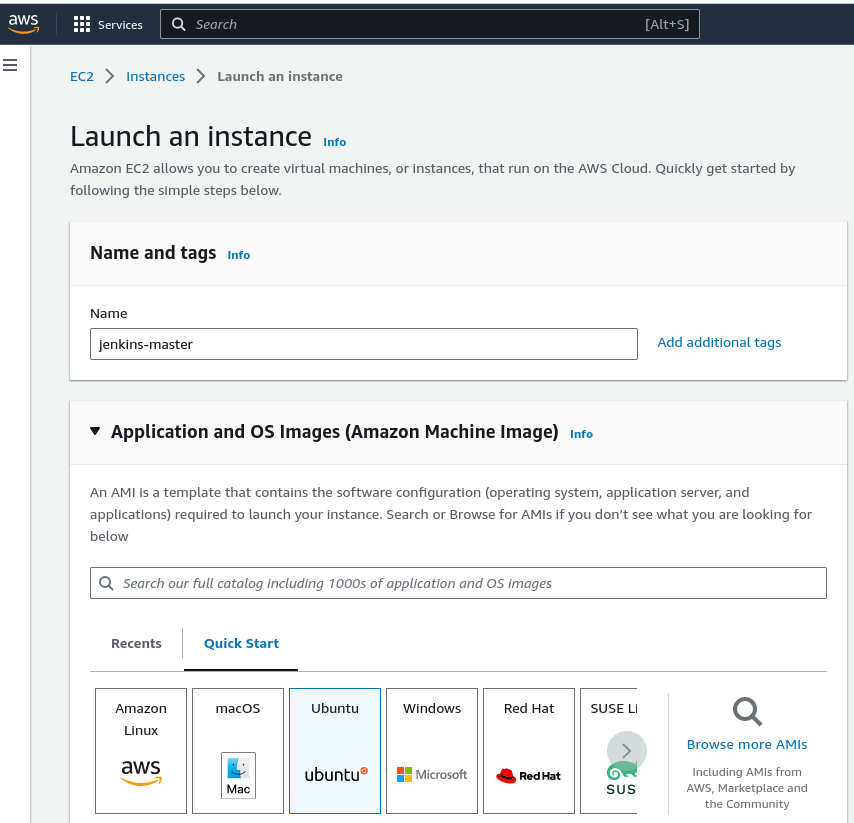
Note : If you don't know how to install java(jdk0 or jenkins then you can check my previous blog.
Step 2 : In this step you need to create another ec2 instance.
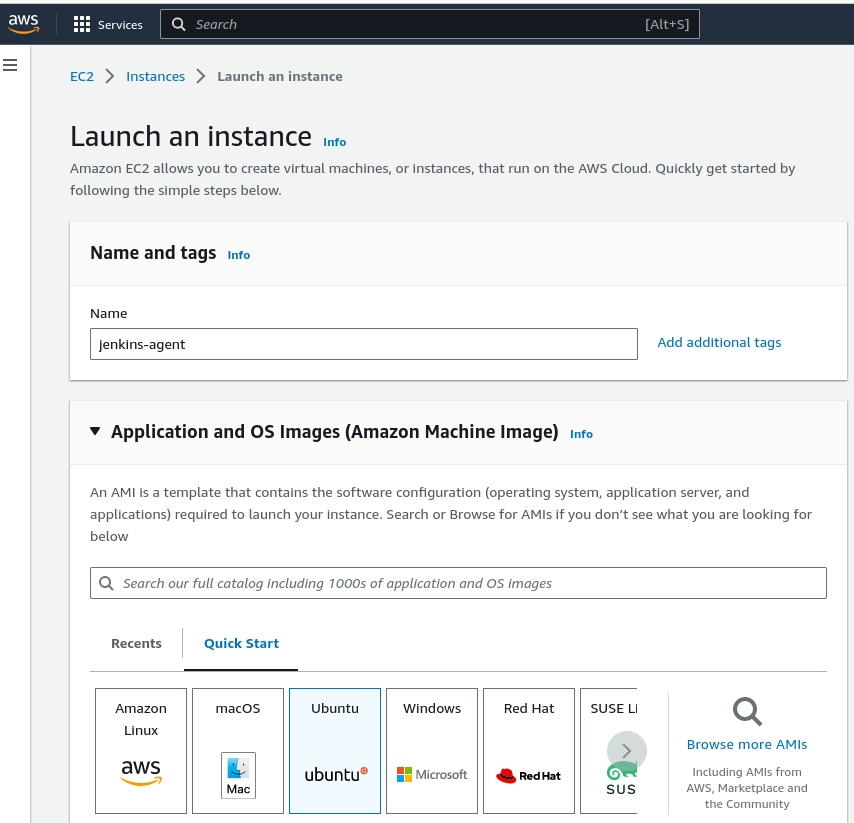
Step 3 : In this step you need to ssh both the ec2 instance on your terminal .
Step 4 : In this step you need to give below command on your jenkins-master instance.
cd .ssh
ssh-keygen
ls
Step 5 : Then you need to give below command.
cat id_rsa.pub
Step 6 : Then you have to copy the public key and go to the jenkins agent terminal
and give belo command.
 cd .ssh
 ls
nano authorized_keys
Note: paste your public key in to authorized_keys below .
Step 7 : Then click on setup an agent.
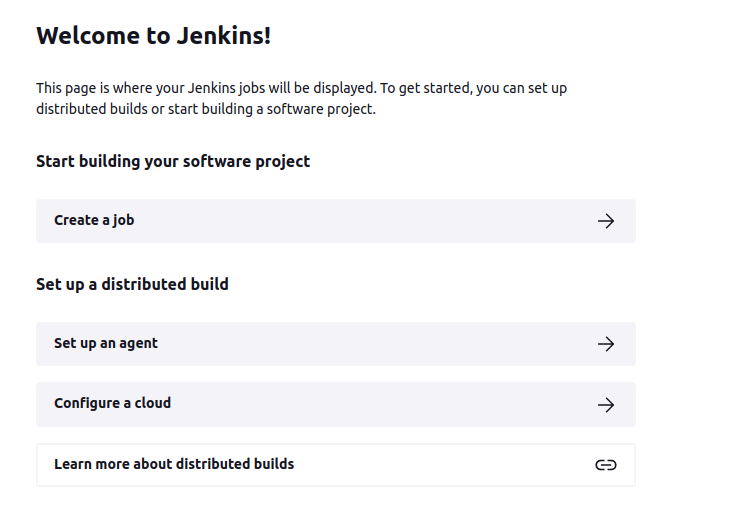
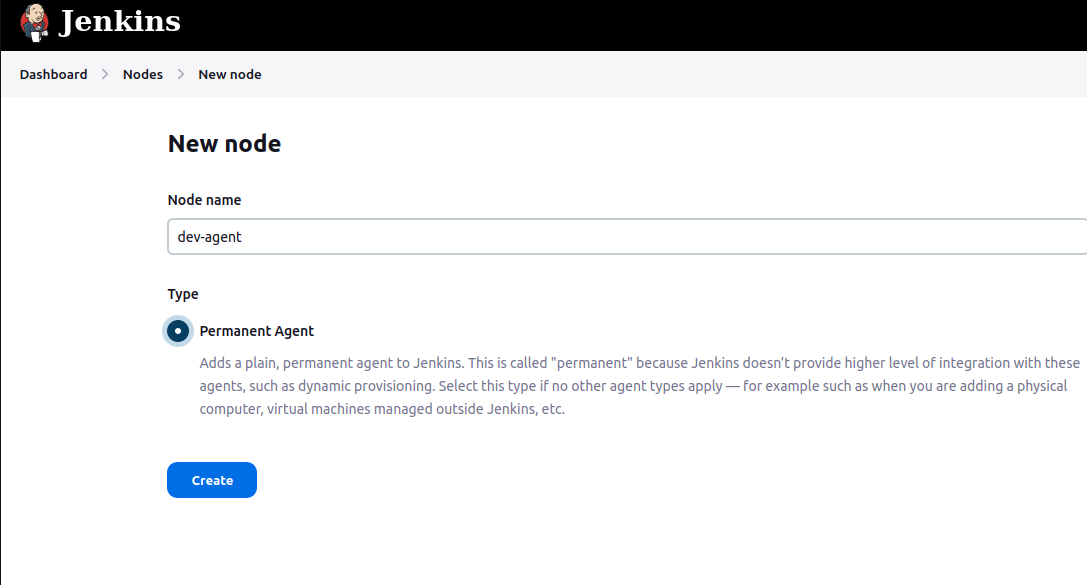
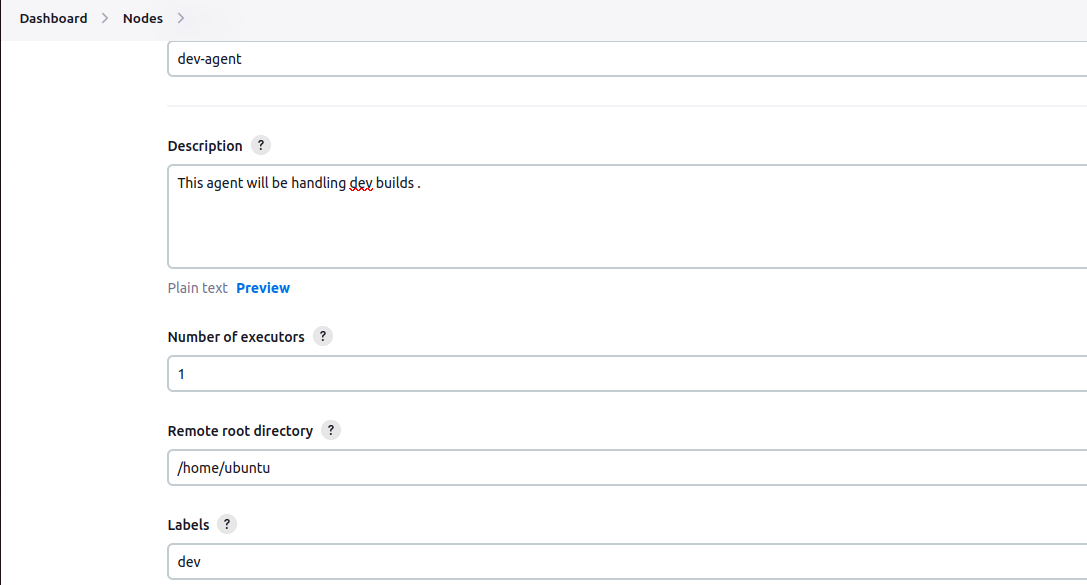
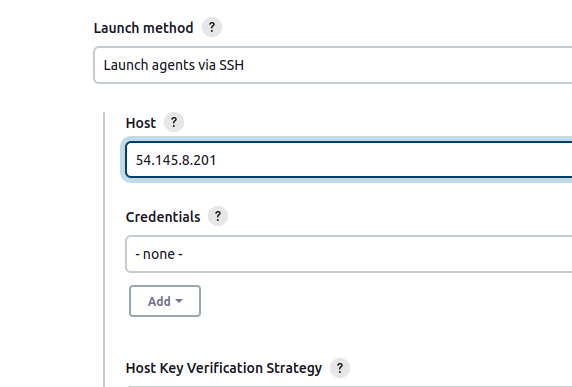
Note : In host section you need to give public ip address of jenkins-agent.
Step 8 : Then click on credential and add jenkins
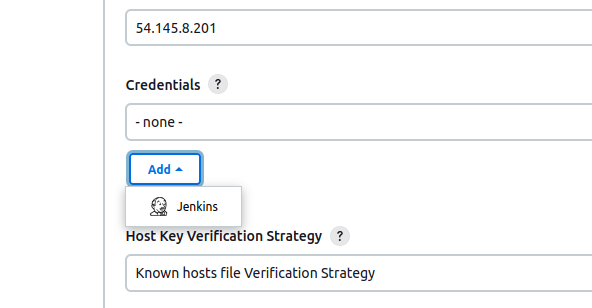
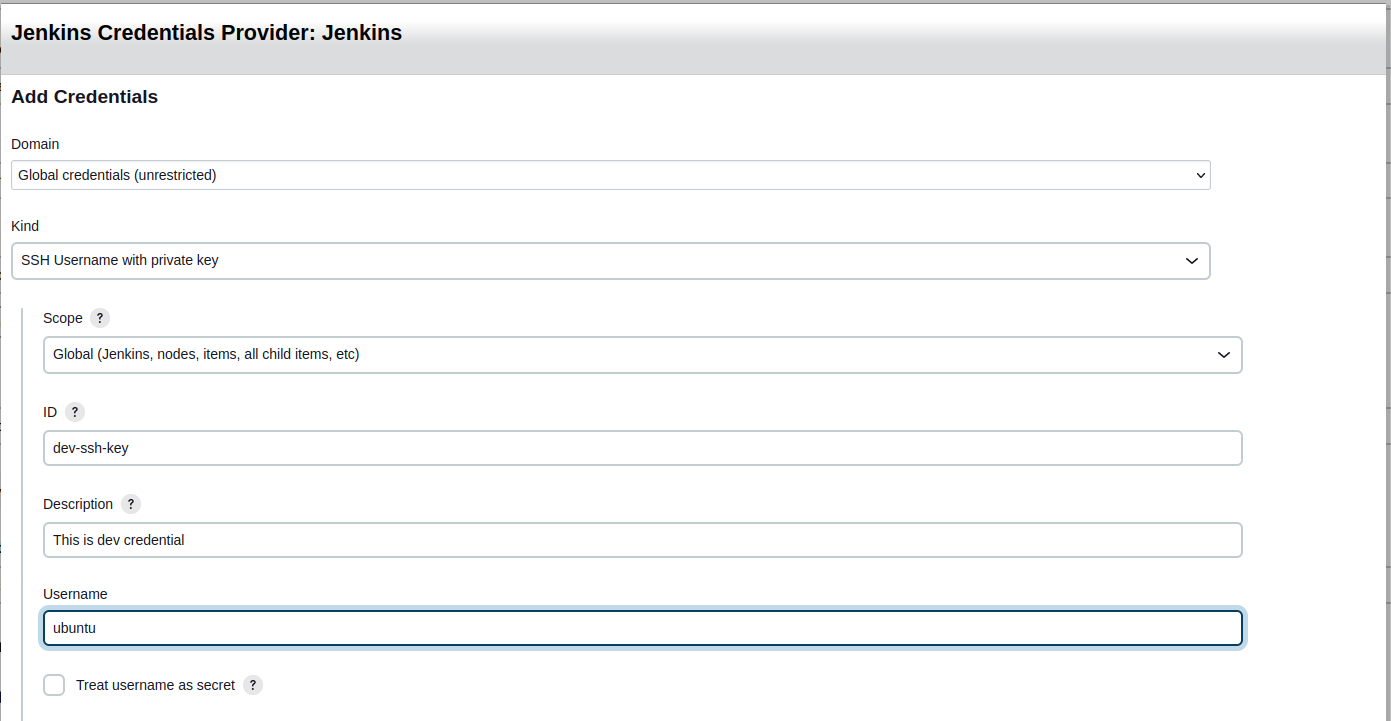
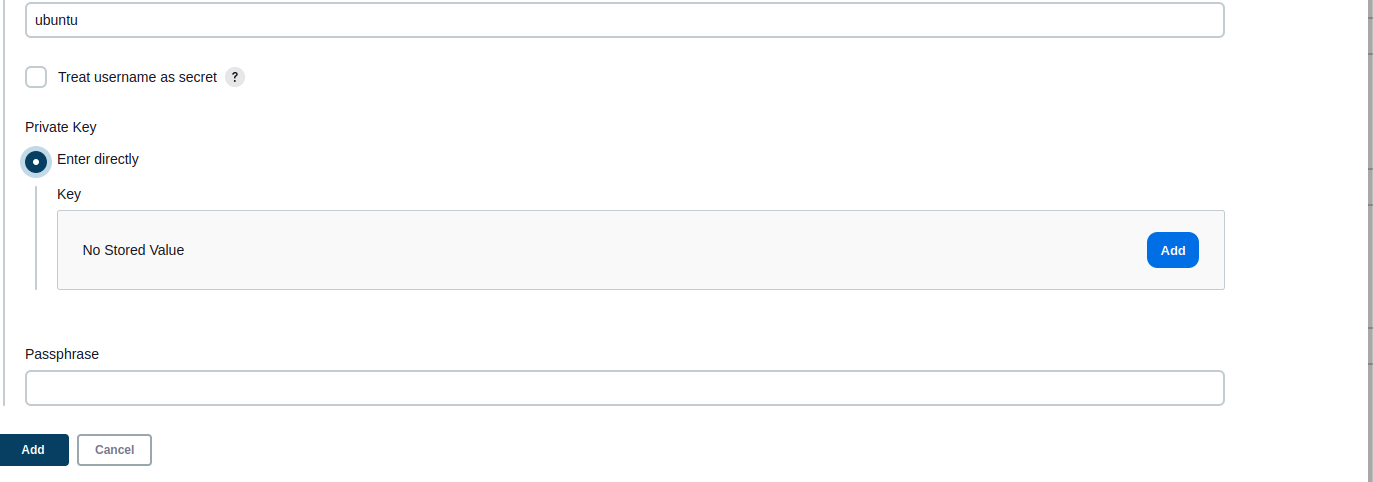
Note: Then click on Add and go to the jenkins-master terminal and give below command.
cd .ssh
ls
cat id_rsa
Note: copy the key paste it.
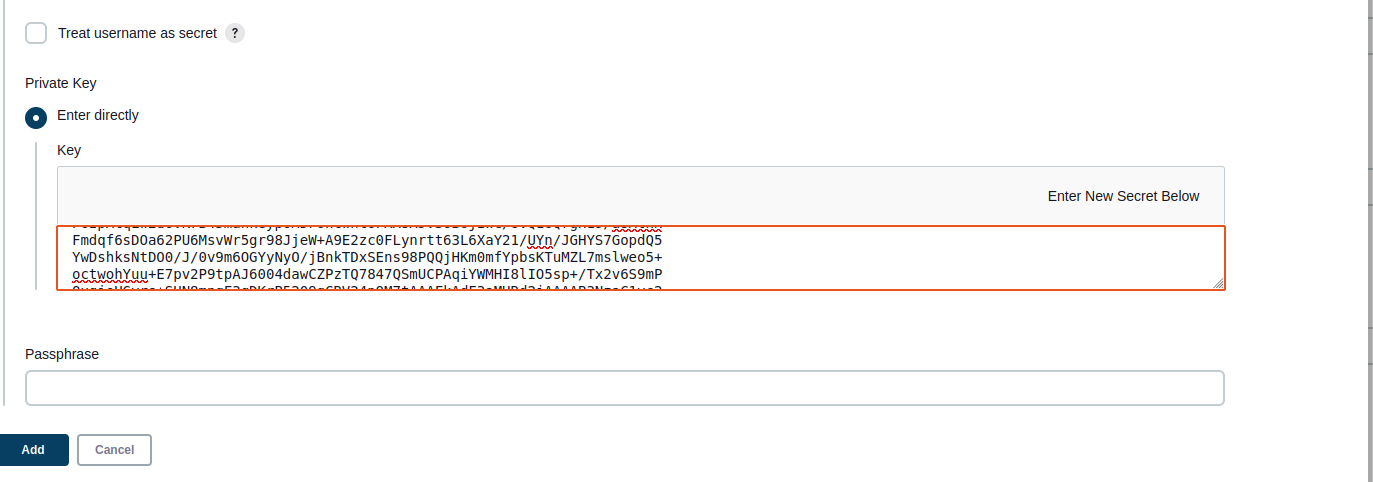
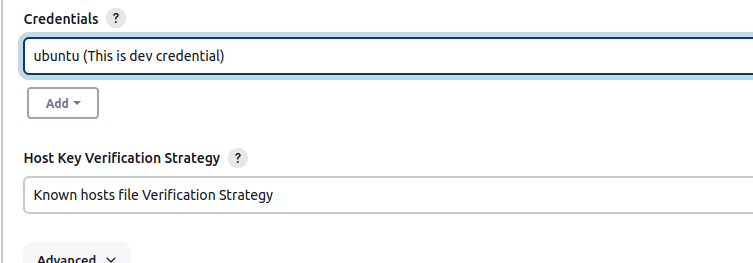
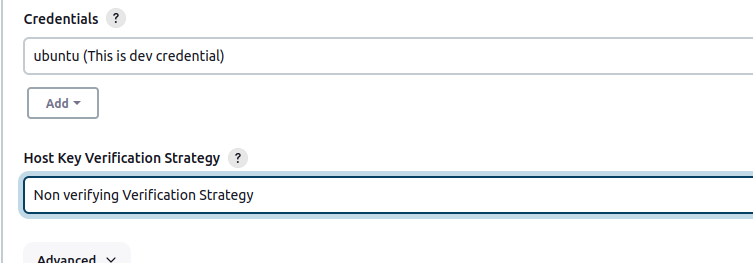
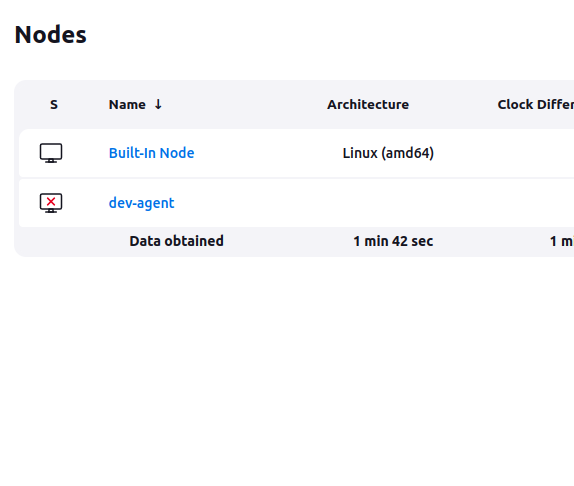
Note: You need to install java (jdk) on jenkins-agent instance .
Imp: If some time your key is not working then you can again regenerate key using this command.
ssh-keygen -t ed25519
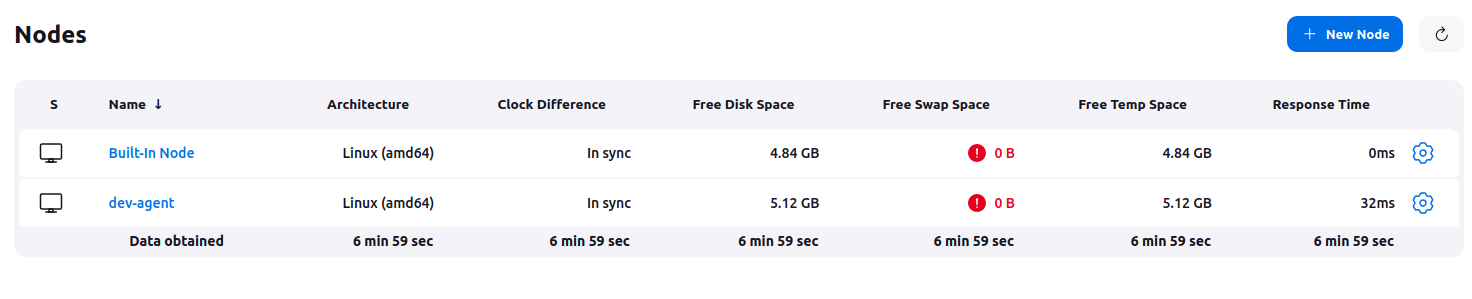
(master ko private key dena hai aur agent ko public)
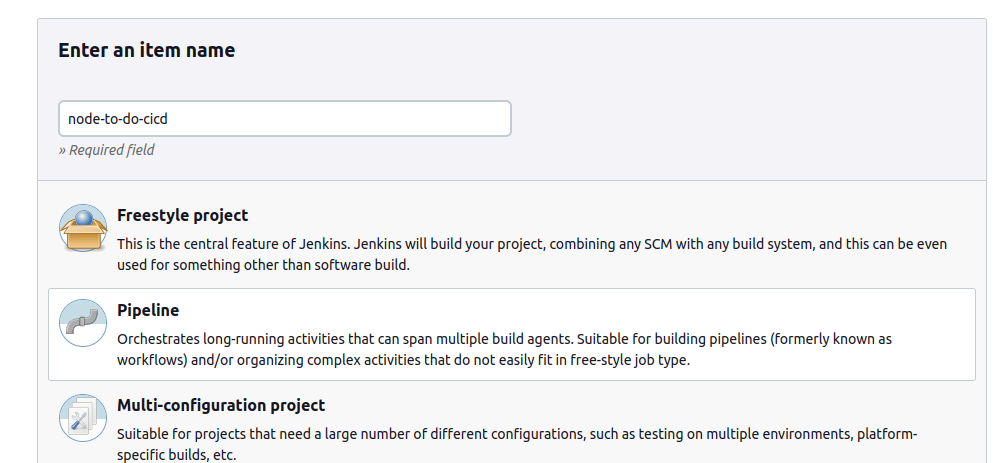
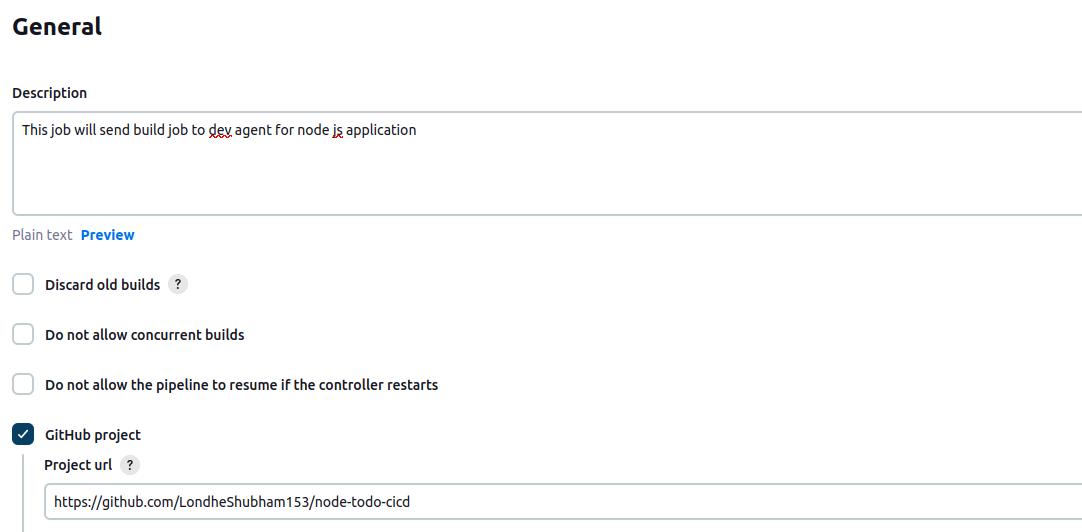
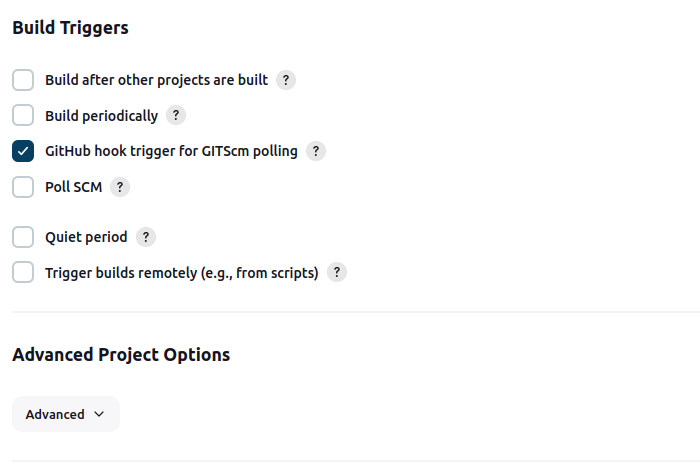
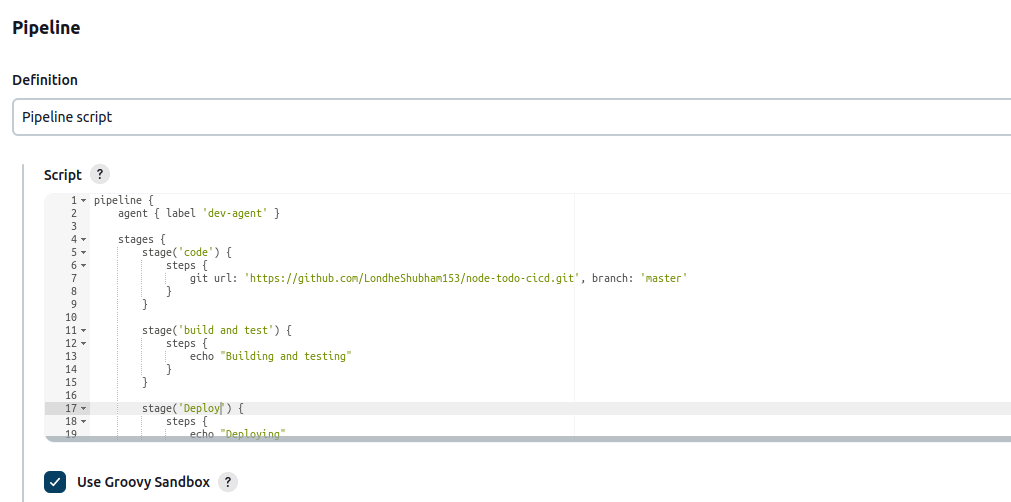
pipeline {
    agent { label 'dev-agent' }

    stages {
        stage('code') {
            steps {
                git url: 'https://github.com/LondheShubham153/node-todo-cicd.git', branch: 'master'
            }
        }

        stage('build and test') {
            steps {
                echo "Building and testing"
            }
        }

        stage('Deploy') {
            steps {
                echo "Deploying"
            }
        }


        }
    }
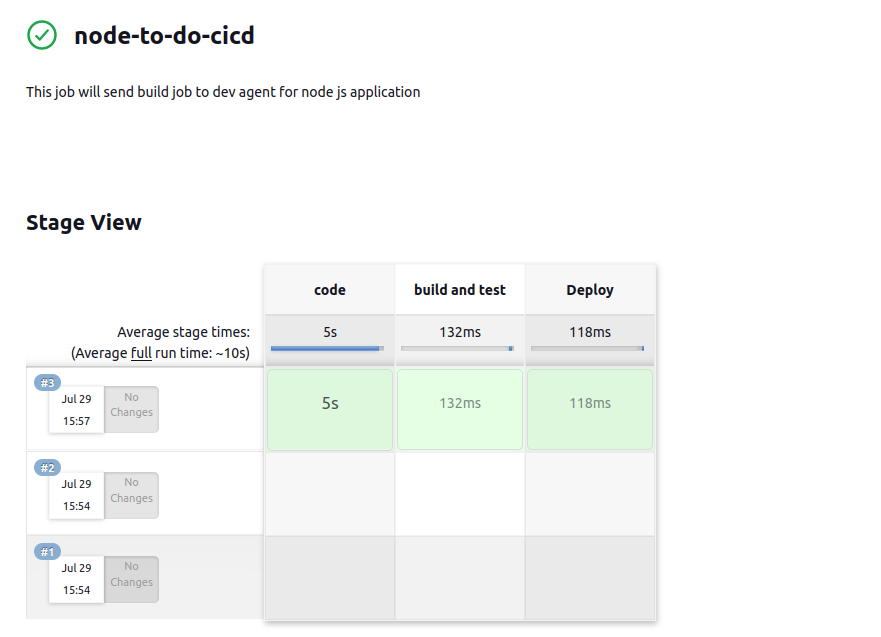
Step 8 : Then you need to install docker and docker-compose on your jenkins agent server.
 sudo apt install docker.io
 sudo apt install docker-compose
 sudo usermod -aG docker $USER
 sudo reboot
pipeline {
    agent { label 'dev-agent' }

    stages {
        stage('code') {
            steps {
                git url: 'https://github.com/LondheShubham153/node-todo-cicd.git', branch: 'master'
            }
        }

        stage('build and test') {
            steps {
                sh 'docker build . -t node-todo-app'
            }
        }

        stage('Deploy') {
            steps {
                sh 'docker-compose down && docker-compose up -d'
            }
        }
    }
}
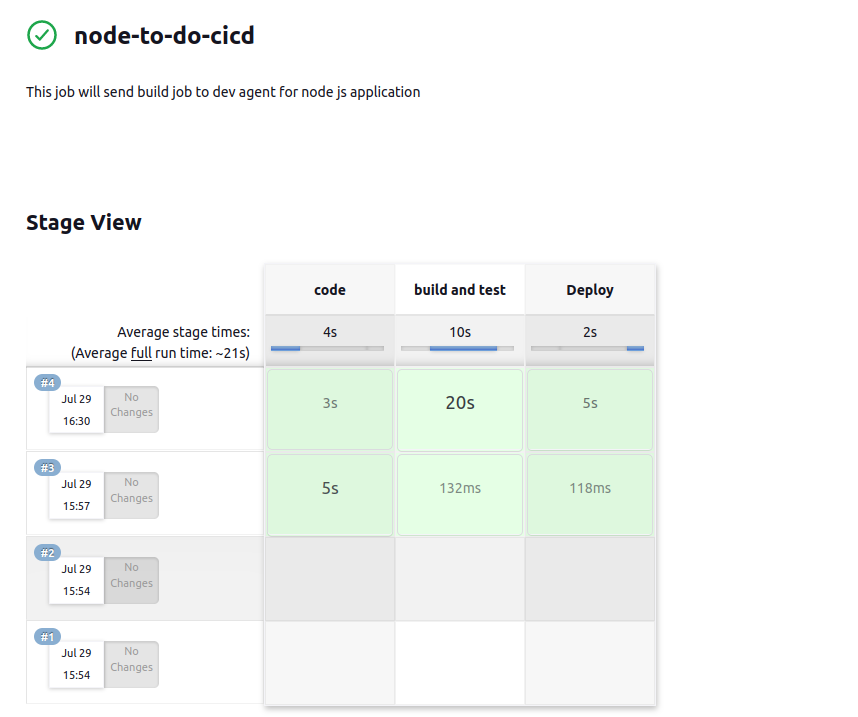
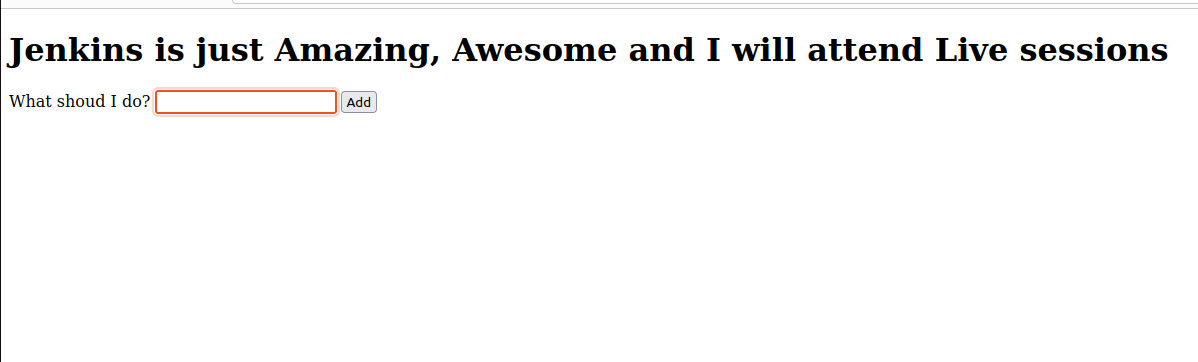
 pipeline {
    agent { label 'dev-agent' }

    stages {
        stage('code') {
            steps {
                git url: 'https://github.com/LondheShubham153/node-todo-cicd.git', branch: 'master'
            }
        }

        stage('build and test') {
            steps {
                sh 'docker build . -t node-todo-app'
            }
        }

        stage('login and push image') {
            steps {
                echo 'login into dockerhub and pushing image'
                // Add Docker login and push steps here
                // Example:
                // sh 'docker login -u your-dockerhub-username -p your-dockerhub-password'
                // sh 'docker push your-dockerhub-username/node-todo-app'
            }
        }

        stage('Deploy') {
            steps {
                sh 'docker-compose down && docker-compose up -d'
            }
        }
    }
}
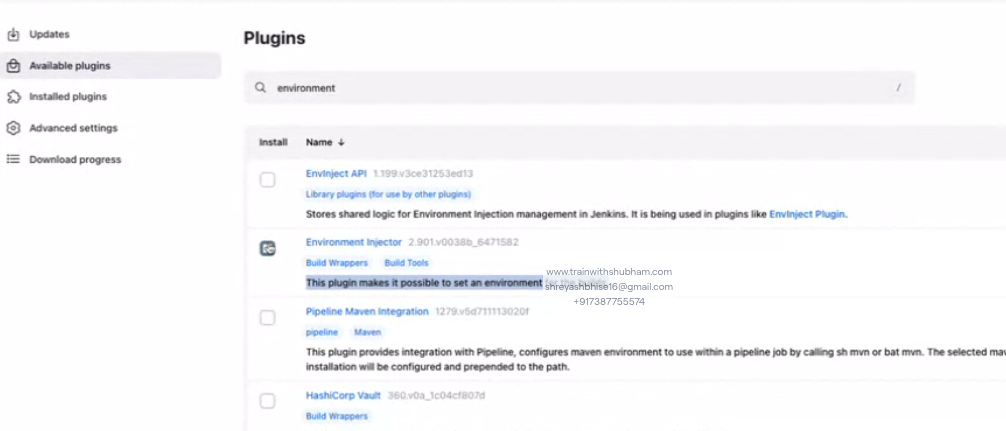
Note: you need to install enviroment plugin
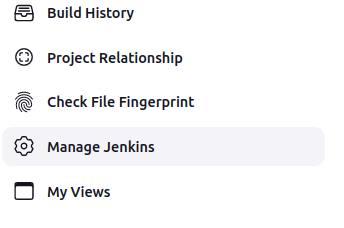
Note : go to the manage jenkins and create credential

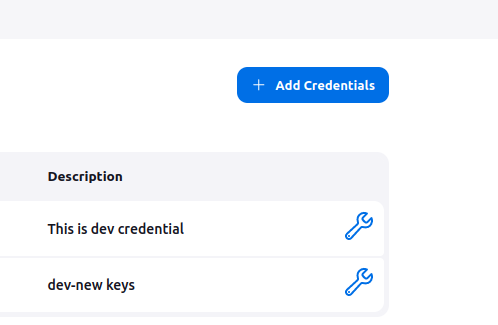
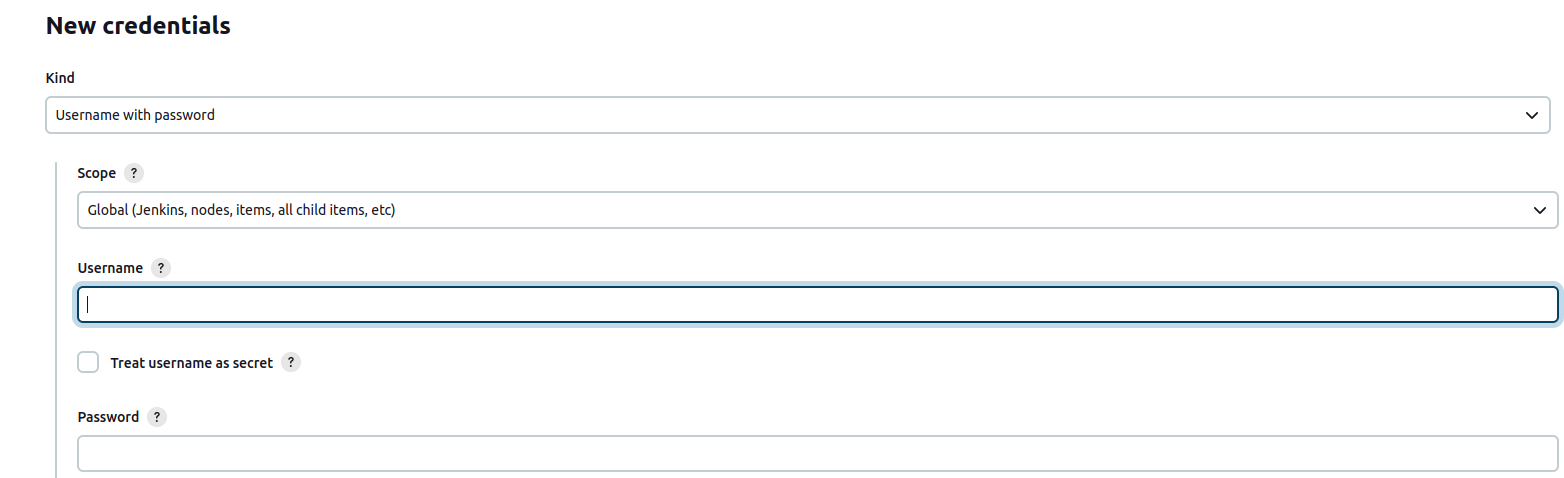
Note : In this credential you need to give username and password of your docker hub account.
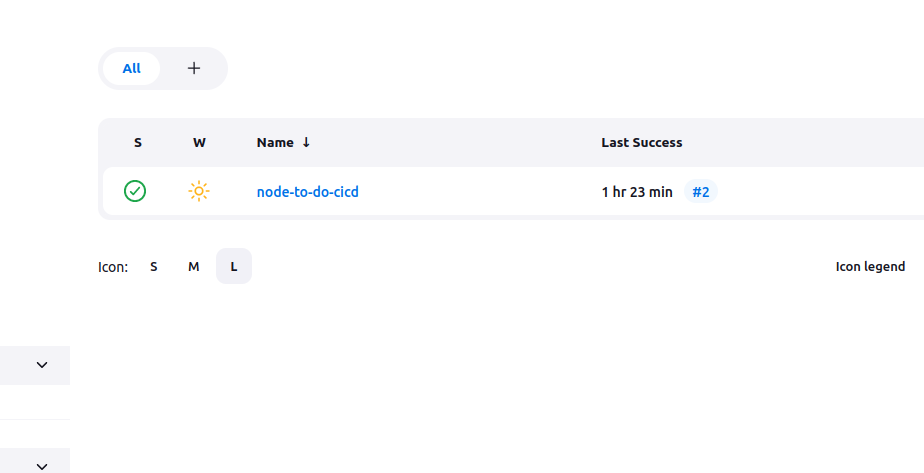
Note :Then click on node-to-cicd
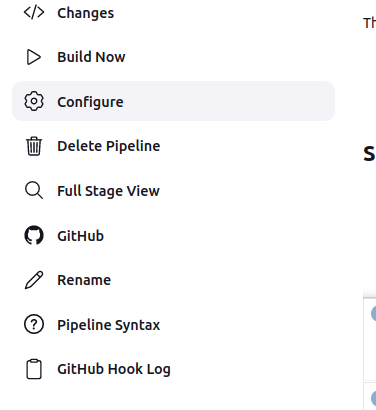
Note: Then go to the configure
Note : This script is use to push your docker image to docker hub
pipeline {
    agent { label 'dev-agent' }

    stages {
        stage('code') {
            steps {
                git url: 'https://github.com/LondheShubham153/node-todo-cicd.git', branch: 'master'
            }
        }

        stage('build and test') {
            steps {
                sh 'docker build . -t node-todo-app'
            }
        }

        stage('login and push image') {
            steps {
                echo 'loging into docker hub and pushing image'
                withCredentials([usernamePassword(credentialsID:'dockerhub',passwordVariable:'dockerHubPassword',usernameVariable:'dockerHubUser')]) {
                    sh "docker login -u ${env.dockerHubUser} -p ${env.dockerHubPassword}"
                }
            }
        }

        stage('Deploy') {
            steps {
                sh 'docker-compose down && docker-compose up -d'
            }
        }
    }
}
pipeline {
    agent { label 'dev-agent' }

    stages {
        stage('code') {
            steps {
                git url: 'https://github.com/LondheShubham153/node-todo-cicd.git', branch: 'master'
            }
        }

        stage('build and test') {
            steps {
                sh 'docker build . -t trainwithshubham/node-todo-app:latest'
            }
        }

        stage('login and push image') {
            steps {
                echo 'loging into docker hub and pushing image'
                withCredentials([usernamePassword(credentialsID:'dockerhub',passwordVariable:'dockerHubPassword',usernameVariable:'dockerHubUser')]) {
                    sh "docker login -u ${env.dockerHubUser} -p ${env.dockerHubPassword}"
                    sh "docker push trainwithshubham/node-todo-app:latest"
                }
            }
        }

        stage('Deploy') {
            steps {
                sh 'docker-compose down && docker-compose up -d'
            }
        }
    }
}
pipeline {
    agent { label 'dev-agent' }

    stages {
        stage('code') {
            steps {
                script {
                    properties([pipelineTriggers([pollSCM('')])])
                }
                git url: 'https://github.com/LondheShubham153/node-todo-cicd.git', branch: 'master'
            }
        }

        stage('build and test') {
            steps {
                sh 'docker build . -t trainwithshubham/node-todo-app:latest'
            }
        }

        stage('login and push image') {
            steps {
                echo 'loging into docker hub and pushing image'
                withCredentials([usernamePassword(credentialsID:'dockerhub',passwordVariable:'dockerHubPassword',usernameVariable:'dockerHubUser')]) {
                    sh "docker login -u ${env.dockerHubUser} -p ${env.dockerHubPassword}"
                    sh "docker push trainwithshubham/node-todo-app:latest"
                }
            }
        }

        stage('Deploy') {
            steps {
                sh 'docker-compose down && docker-compose up -d'
            }
        }
    }
}
Note : This script is use to pull your docker image from docker hub to jenkins agent.
Note : In agent instance you need to give permission to security gropt in that for port 8080 your ip address.


