terraform project

S
*Shreyash Bhise | Aspiring Mern Stack Developer and DevOps enthusiast,
Step 1 : create ec2 instance on aws.
Note: prerequisite is you have to install aws cli.
Step 2: you can go to the officiall website of terraform or serach hashicrop terraform install.
Step 3 : write a terraform file that wiil create ec2 instance .
terraform {
  required_providers {
    aws = {
      source  = "hashicorp/aws"
      version = "~> 4.16"
    }
  }

  required_version = ">= 1.2.0"
}

provider "aws" {
  region  = "us-west-2" -----> put your region
}

resource "aws_instance" "app_server" {
  ami           = "ami-830c94e3" -----> ami
  instance_type = "t2.micro" ----> put your instance type
  subnet_id     =  "xyz"   --->put your subnet id

  tags = {
    Name = "Terraform_Demo"
  }
}
Step 4 : Initialize the terraform configuration.
terraform init
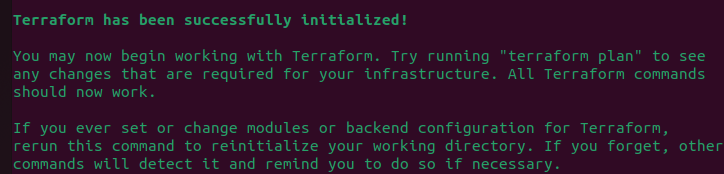
Step 5 : previwe the changes that terraform will make.
terraform plan
Step 6 : Apply the changes to create ec2 instances.
terraform apply


